
 Browser automation · MOOPROXY FIELD NOTES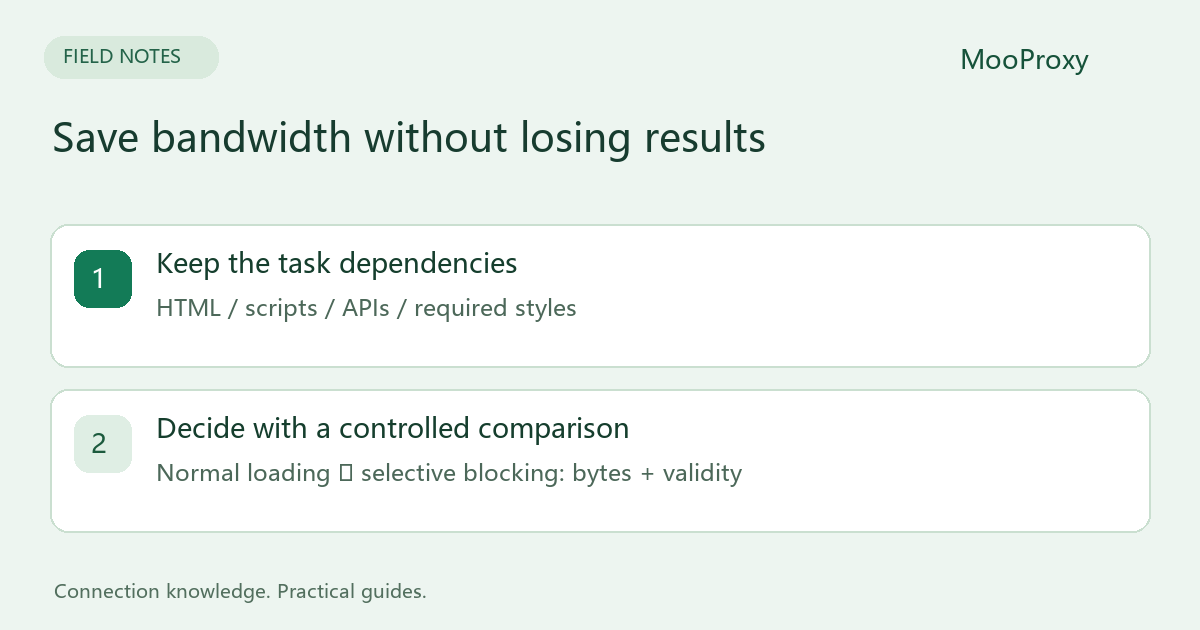
Choose resources by task
| Task | First optimization to consider | Verify afterward |
|---|---|---|
| Extract text or prices | Skip images and video | Lazy loading and client-side data still work |
| Screenshots or visual checks | Keep images, fonts and styles | The visual output remains representative |
| Login and multi-step flows | Start with complete loading | Scripts, cookies and required components work |
| A documented data API exists | Use the API where appropriate | Permission, quotas and fields fit the job |
Blocking all JavaScript, CSS or XHR can make a page appear faster while preventing the actual data request from running. Handle restricted pages according to their access requirements; repeated retries are not a substitute for permission.
Request routing disables HTTP caching
Playwright documents that enabling browser_context.route() disables the HTTP cache. Blocking some images therefore does not guarantee lower traffic for an entire multi-page job. A first visit to many independent pages behaves differently from repeat visits to one site.[1]
Requests handled by a Service Worker may also bypass regular routing. Playwright recommends service_workers="block" when interception is required.[1][2] That setting can change application behavior, so record it as an experimental condition and verify the workflow still works.
Start by blocking only images and media
Install python -m pip install playwright, then python -m playwright install chromium. This example uses the dashboard's HTTP proxy gateway. Set credential-free http://HOST:PORT as PROXY_SERVER; pass authentication separately.
import getpass
import os
from collections import Counter
from playwright.sync_api import sync_playwright

BLOCK_MEDIA = True  # Compare with False in a separate run.
counts = Counter()
username = input("Proxy username: ").strip()
password = getpass.getpass("Proxy password: ")

with sync_playwright() as p:
    browser = p.chromium.launch(proxy={
        "server": os.environ["PROXY_SERVER"],
        "username": username,
        "password": password,
    })
    try:
        context = browser.new_context(service_workers="block")
        if BLOCK_MEDIA:
            def handle(route):
                kind = route.request.resource_type
                if kind in {"image", "media"}:
                    counts["blocked_" + kind] += 1
                    route.abort()
                else:
                    route.continue_()
            context.route("**/*", handle)
        page = context.new_page()
        page.on("request", lambda r: counts.update([r.resource_type]))
        page.goto("https://example.com/", wait_until="domcontentloaded",
                  timeout=30000)
        heading = page.get_by_role("heading", name="Example Domain")
        heading.wait_for(state="visible", timeout=10000)
        print("validated heading:", heading.inner_text())
        print("request counts (not bytes):", dict(counts))
        context.close()
    finally:
        browser.close()
Run once with BLOCK_MEDIA=False for a baseline and again with True for the experiment. example.com demonstrates waiting and validation only. Replace it with an authorized target and a locator for the actual business data, not merely a page title.
The request event includes blocked requests. These counters measure requests, not transferred bytes. The example makes no percentage-saving claim. Compare an isolated account's metered usage or suitable network measurements for the same workload.
Wait for the result the job actually needs
A page may poll continuously or maintain connections. Waiting only for network idleness can produce long waits. A more explicit approach waits for DOM readiness, then a required table, price element or specific API response with a defined timeout.
domcontentloaded alone does not prove completeness either. Pagination, scrolling and asynchronous data still require their own waits and field checks. If blocking images changes layout or lazy-loading behavior, restore that resource type or narrow the rule to confirmed unnecessary domains or paths.
Accept the change only after a controlled comparison
- Keep page set, region, session policy, concurrency and readiness checks fixed.
- Define cache and Service Worker conditions for both runs.
- Record task count, valid outputs, duration, resource types and actual traffic.
- Compare required fields, pagination and error categories, not just load time.
- Compare usage per valid result. Roll back a rule if it causes missing data or more reruns.
The optimization succeeds when required output stays complete and usage decreases. Keep resource rules configurable and retain a quick return to normal loading; this is easier to diagnose than a growing list of fragile URL patterns.
Sources and editorial notes
Sources checked on 2026-10-19. Original synthesis based on official documentation. Code illustrates configuration; it is not a production performance claim.
Ready to validate your connection?
Generate a configuration and start with a small test.