
 Python guide · MOOPROXY FIELD NOTES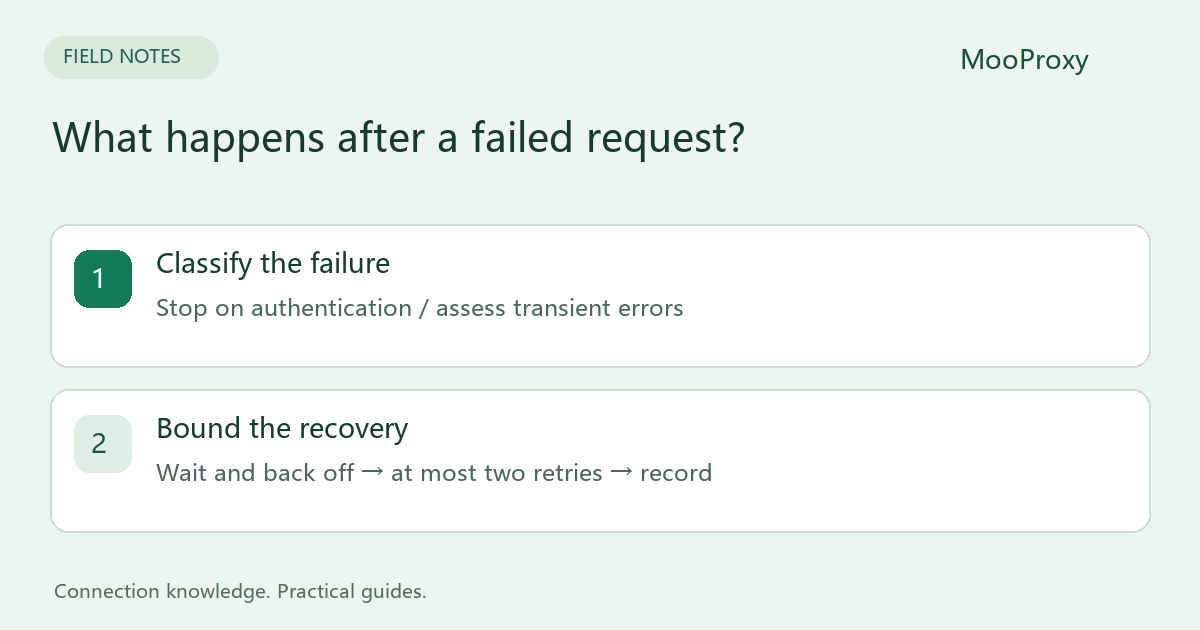
A read timeout is not a job deadline
Requests timeout=(8, 20) sets an 8-second connect timeout and a 20-second read wait. The read timeout concerns waiting for incoming data, not a hard 20-second deadline for downloading the entire response. Retries, multiple address attempts and a slowly continuing response can make the overall operation longer.[1]
If a job must finish within 60 seconds, enforce a deadline at the scheduler or worker-process level and cancel expired work. Setting the read timeout to 60 does not provide that guarantee. Log gateway/authentication failures separately from target read failures.
Decide from the failure category
| Failure | Recommended action |
|---|---|
| 407 or SOCKS authentication failure | Stop and verify credentials and parameters |
| TLS certificate verification error | Check hostname and trust chain; do not disable verification as a fix |
| 429 | Respect Retry-After and reduce request rate |
| Temporary 502 / 503 / 504 or connection failure | Retry with backoff within a budget |
| 403 or business rejection | Check permissions and target requirements |
| Timeout during a payment or write | Check business state before repeating the operation |
GET and HEAD are usually reasonable candidates for bounded retries, but actual endpoint behavior still matters. Writes require the service's idempotency and deduplication contract. Receiving no response does not prove that the server did not execute the operation.[2][3]
A starting point for read-only GET jobs
Use Python 3, Requests with SOCKS support and urllib3 2.x: python -m pip install "requests[socks]" "urllib3>=2,<3". Set credential-free PROXY_HOST and PROXY_PORT environment variables, then enter the complete credentials interactively.
import getpass
import os
from urllib.parse import quote
import requests
from requests.adapters import HTTPAdapter
from urllib3.util import Retry

# PROXY_HOST and PROXY_PORT contain no credentials.
host = os.environ["PROXY_HOST"]
port = int(os.environ["PROXY_PORT"])
user = quote(input("Proxy username: ").strip(), safe="")
password = quote(getpass.getpass("Proxy password: "), safe="")
proxy = f"socks5h://{user}:{password}@{host}:{port}"
retry = Retry(
    total=2, connect=2, read=0, status=2, other=0,
    allowed_methods=frozenset({"GET", "HEAD"}),
    status_forcelist=(429, 502, 503, 504),
    backoff_factor=1, backoff_jitter=0.3,
    respect_retry_after_header=True, raise_on_status=False,
)
with requests.Session() as session:
    session.trust_env = False
    session.proxies = {"http": proxy, "https": proxy}
    adapter = HTTPAdapter(max_retries=retry,
                          pool_connections=4, pool_maxsize=4,
                          pool_block=True)
    session.mount("http://", adapter)
    session.mount("https://", adapter)
    try:
        with session.get("https://example.com/", timeout=(8, 20),
                         allow_redirects=False) as response:
            print("status:", response.status_code)
            response.raise_for_status()
            if 300 <= response.status_code < 400:
                raise RuntimeError("Review redirect before continuing")
            print("decoded body bytes:", len(response.content))
    except requests.RequestException as exc:
        # Do not log the authenticated proxy URL or raw exception.
        print("request failed:", type(exc).__name__)
        raise SystemExit(1)
total=2 permits up to two retries after the initial attempt, giving at most three attempts. This example disables read-error retries; listed transient status responses and connection failures remain subject to the budget. urllib3 2.x's backoff_jitter helps reduce synchronized retries across workers.
trust_env=False prevents environment proxy and bypass settings from overriding this example. It also affects other Requests environment configuration, including environment-supplied CA bundles. Configure a trusted corporate CA explicitly when needed. TLS verification remains enabled, and authenticated proxy URLs are not logged.
Backoff is not a global rate limiter
Retry-After can request a long wait. If that wait exceeds the job's deadline, defer the job rather than ignoring the server's requested delay. A hundred workers can still exceed a target's rate limit even when each request has backoff.
Likewise, pool_maxsize is not a global concurrency limit. pool_block=True bounds borrowing within this adapter's pool; separate processes retain separate pools. Control concurrency with a queue or semaphore, and do not share a mutable Session across threads without an explicit synchronization design.
Preserve task identity and validate the result
Multi-step or authenticated workflows may need the same session and cookies during recovery. Arbitrarily changing country or exit on each failure can invalidate that workflow. Record task ID, attempt count, error category, wait duration, final status and output validity. Omit passwords, authenticated URLs and sensitive cookies.
A 200 response can still be a login page, and valid JSON can contain a business error. Count useful results rather than only requests that avoided an exception.
Sources and editorial notes
Sources checked on 2026-10-19. Original synthesis based on official documentation. Code illustrates configuration; it is not a production performance claim.
Ready to validate your connection?
Generate a configuration and start with a small test.