
 Hands-on guide · MOOPROXY FIELD NOTES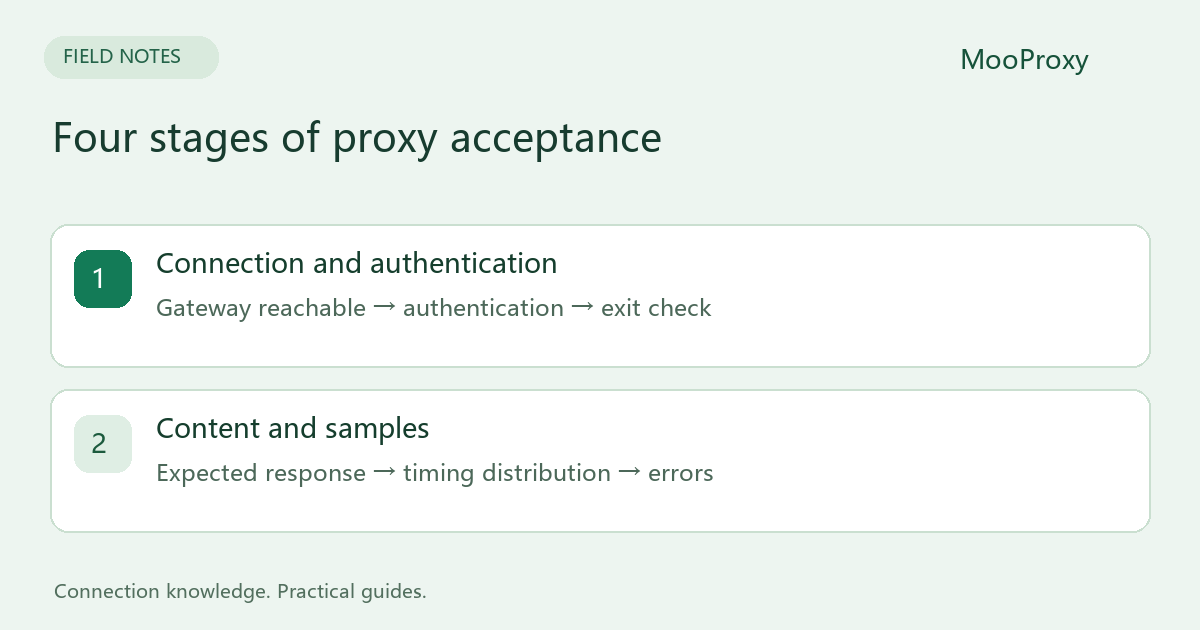
Make the test reproducible
Prepare the complete generated proxy configuration, an exit-IP endpoint and a target page you are authorized to access. Record client location, curl version, country and session mode. Start with sequential requests; throughput load testing is a separate exercise.
These examples use Bash. On Windows, use curl.exe and put each command on one line. Supplying only YOUR_USERNAME prompts for a password. Preserve all generated targeting and session parameters in the relevant credential fields. Keep real passwords out of shared scripts and screenshots.
1. Verify the connection and exit IP
curl --proxy "socks5h://PROXY_HOST:PORT" \
  --proxy-user "YOUR_USERNAME" --noproxy "" \
  --connect-timeout 8 --max-time 25 --retry 0 \
  --silent --show-error https://checkip.amazonaws.com/
--noproxy "" prevents inherited bypass rules from changing the test. --retry 0 keeps first-attempt failures visible. For an HTTP proxy, use the dashboard's http://HOST:PORT gateway instead. An HTTPS destination does not mean the proxy gateway itself must use the https:// scheme.
Accept only a valid IPv4 or IPv6 response, not merely a zero exit code. HTML, an authentication message or an error body is a failed exit check. In Python, ipaddress.ip_address(response_text.strip()) validates the address format.
2. Save and inspect the target response
curl --proxy "socks5h://PROXY_HOST:PORT" \
  --proxy-user "YOUR_USERNAME" --noproxy "" \
  --connect-timeout 8 --max-time 25 --retry 0 \
  --silent --show-error --output response.txt \
  --write-out 'http=%{http_code} tcp=%{time_connect} first_byte=%{time_starttransfer} total=%{time_total} bytes=%{size_download}\n' \
  https://example.com/
Replace example.com with your acceptance page and inspect response.txt for the expected title, fields or JSON structure. Redirects are not followed in this command. For a 3xx response, inspect Location first, then use --location --max-redirs 3 if appropriate. A redirect to login is not automatically a successful business result.
| Field | What it tells you | What it does not prove |
|---|---|---|
http_code |
HTTP status; 000 may mean no valid response was received | 200 alone does not prove correct content |
time_connect |
Elapsed time until TCP connection, normally to the gateway when proxied | Isolated exit-to-target latency |
time_starttransfer |
Elapsed time until the first byte, including earlier phases | Target processing time alone |
time_total |
Duration of this operation | The distribution across a whole batch |
size_download |
Downloaded response-body bytes | Total billable proxy traffic |
The timing values are cumulative; do not add them together. curl also does not return a nonzero exit code merely because it received HTTP 403, 407 or 500 by default. Check status and content as well.[1]
3. Report a batch, not the best result
Start with 10–20 sequential requests within the target's and checker service's rate limits. Record timestamp, exit, status, content validity, total duration and error category. This is enough to reveal configuration problems, not to establish long-term availability.
Test rotating and sticky sessions in separate groups. Report valid-content successes divided by all attempts, then median and P95 latency for successful requests. Keep the timeout and failure rate visible; removing failed samples does not make the run fully successful.
4. Choose the next check from the error
| Observation | Investigate first |
|---|---|
| curl exit 5 / 6 | Proxy / destination hostname resolution |
| Exit 7 | Connectivity, gateway, port and firewall |
| Exit 28 | Timeout stage and whether multiple targets are affected |
| HTTP 407 or SOCKS authentication failure | Complete credentials, parameters and protocol |
| HTTP 403 / 429 | Target policy, permission and request rate |
| HTTP 200 with unexpected content | Login flow, challenge page, region or business conditions |
An error identifies a layer, not necessarily who caused the failure. Send a timestamp with timezone, protocol, sanitized configuration and a small result set. Detailed trace output can contain credentials, cookies or sensitive response data, so sanitize it before sharing.
Sources and editorial notes
Sources checked on 2026-10-19. Original synthesis based on official documentation. Code illustrates configuration; it is not a production performance claim.
Ready to validate your connection?
Generate a configuration and start with a small test.