
 Location & accuracy · MOOPROXY FIELD NOTES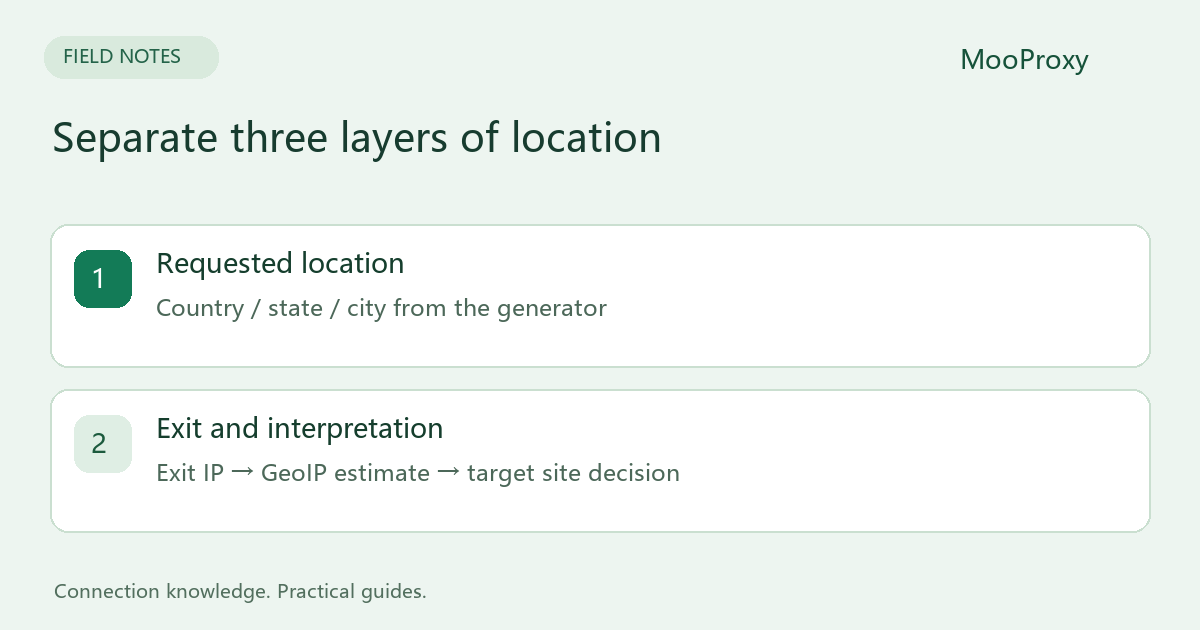
Separate four different kinds of location
| Signal | What it describes | Does it prove an exit city? |
|---|---|---|
| Proxy gateway address | The endpoint your client connects to | No |
| GeoIP record for the exit | A database's estimate of an IP's area | Useful evidence, not an exact position |
| Browser geolocation | Location from device and other signals, subject to permission | Not the same as IP geolocation |
| A website's displayed market | The site's interpretation of IP, account, cookies and other signals | Test it in your workflow |
MaxMind describes city coordinates as approximate and supplies an accuracy_radius around the estimated location. Its documentation explicitly says these coordinates should not identify a street address or household. A map pin is not proof of the residential endpoint's precise location.[1]
Identify the exit before comparing databases
Use the generated proxy credentials to call an HTTPS exit-IP service. Record the returned IP and time. Do not look up the gateway address and treat it as the exit. In rotating mode, two requests may use different exits. For a database comparison, take one observed IP and submit that exact value to both lookup services.
To compare the target site's behavior as well, use one sticky session where appropriate, then check whether the exit stayed the same. Sticky routing requests continuity; it does not make a residential device permanently online or turn it into a long-term static IP.
Add targeting one level at a time
- Select only a country and establish a working connection.
- Add a state or region and check the exit again.
- Add a city last, retaining the generated parameters and test time.
- Repeat with a small set of independent sessions to distinguish one exit from a persistent issue.
Use the values supplied by the generator. Do not remove spaces from state or city names or guess parameter capitalization. Display labels and connection parameters may differ. If a lookup has no city value, record it as unknown rather than treating it as either a match or a mismatch.
Interpret the result before changing settings
| Result | Useful next step |
|---|---|
| Several exits show the wrong country | Check generated parameters and send samples to support |
| Country agrees but city labels differ | Record both sources, query dates and the same exit IP |
| Lookups agree but the website shows another market | Check account region, existing cookies, location permission and language |
| Location changes after an initial match | Check session identifier, requested duration and exit changes |
Data sources, update schedules and network allocation changes can create differences between databases. One city label does not characterize a whole pool. Agreement between databases also does not guarantee that a particular website will accept or classify the connection the same way.
Use a support record that can be reproduced
Timestamp / timezone:
Client and version:
Requested country / state / city:
Session mode and duration:
Observed exit IP:
Lookup A / query time / country / state / city:
Lookup B / query time / country / state / city:
Target site's observed region:
Sample count / matches / mismatches / unknowns:
No password is needed in this record. Preserve targeting fields while masking authentication. Decide before testing whether country-level or city-level matching is required, and report unknown results separately. This makes the acceptance criteria meaningful instead of combining different precision requirements into one rate.
Sources and editorial notes
Sources checked on 2026-10-19. Original synthesis based on official documentation. Code illustrates configuration; it is not a production performance claim.
Ready to validate your connection?
Generate a configuration and start with a small test.